Typography is the discipline that sits at the intersection of language and visual form. Get it right and readers don’t notice — the text simply works, pulling them through the page. Get it wrong and the design fights the content at every turn. The rules of typography aren’t arbitrary; they’re distilled from centuries of experimentation with what makes text readable, beautiful, and functionally appropriate to its context.
Here are the principles every designer working in print needs to internalize.
1. Understand the Difference Between a Font and a Typeface
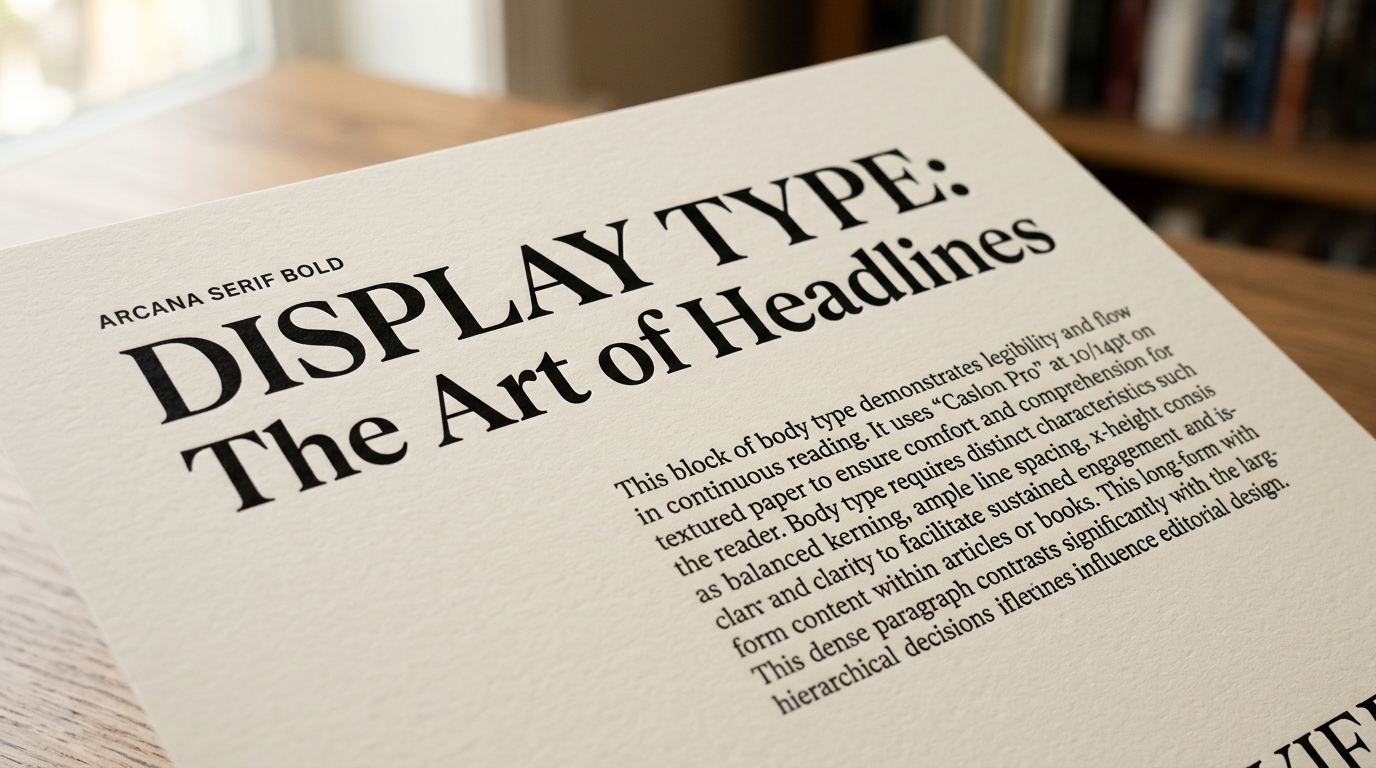
A typeface is a family of related letterforms sharing a consistent design — Garamond, Helvetica, Caslon. A font is a specific weight, style, and size within that family — Garamond Italic 12pt, Helvetica Bold 24pt. In everyday speech the words are used interchangeably; in professional contexts, precision matters. When you say “I love that font,” you usually mean typeface.
This distinction matters practically because the richness of a typeface family — how many weights, widths, and styles it contains — determines how much typographic flexibility you have within a single brand or publication design.
2. Hierarchy Is Everything
Typographic hierarchy is the visual system that communicates relative importance. In any body of text, readers need instant visual cues about what’s a headline, what’s a subhead, what’s body copy, what’s a caption. If everything looks the same, the reader has to work to extract structure. That work manifests as friction — and friction loses readers.
Hierarchy is built through contrast: size, weight, style, color, and spacing. The most common mistake is creating hierarchy through too many variations — four headline sizes, three weights, italic and bold mixed together. Good hierarchy usually uses fewer variables applied more decisively.
3. Measure (Line Length) Determines Readability
The measure — typographic term for line length — has an enormous effect on how comfortable text is to read. The traditional guideline is 45–75 characters per line for single-column body text, with 66 characters often cited as ideal. Lines shorter than 45 characters force too many hyphenation decisions and create a choppy rhythm. Lines longer than 75 characters make it hard for the eye to return accurately to the beginning of the next line.
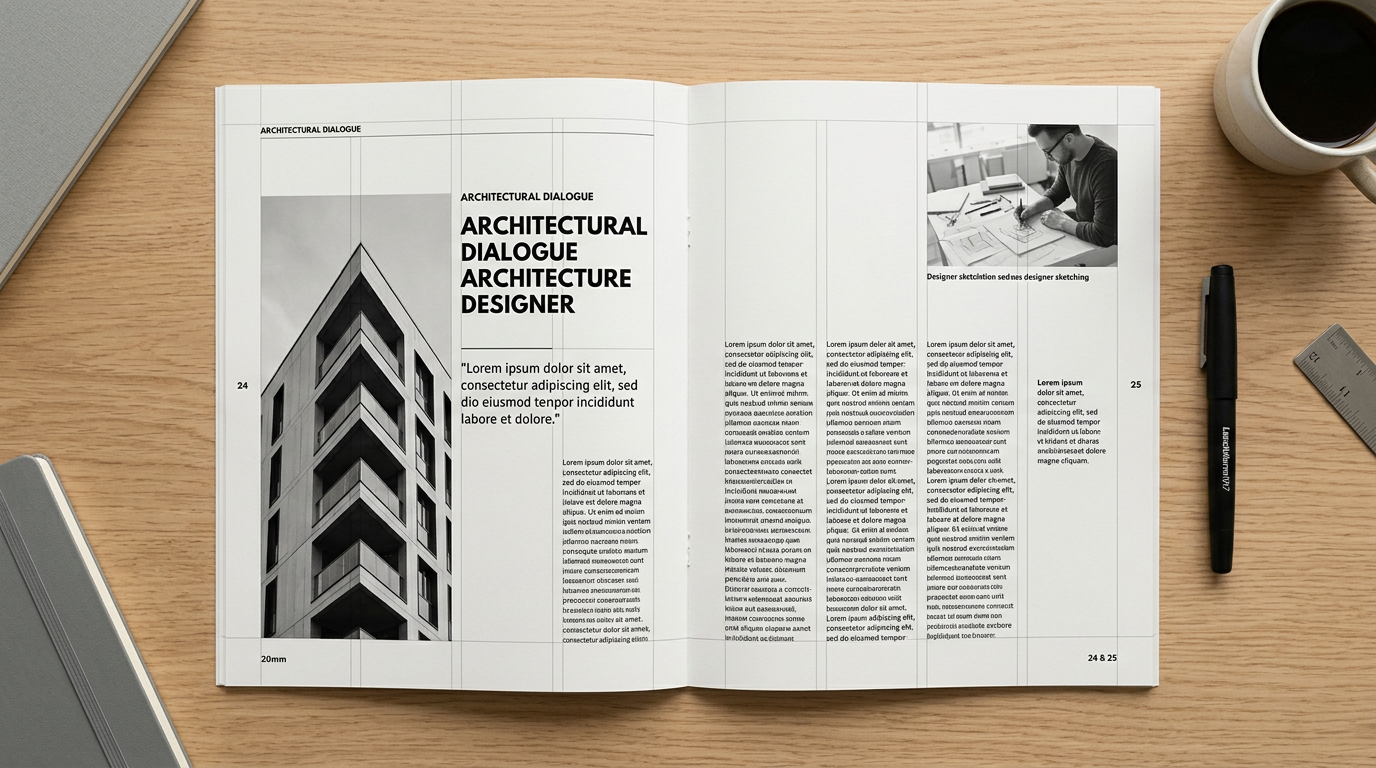
This is why wide-format single-column layouts often read poorly: the designer chose aesthetics over measure. Multi-column layouts exist partly to maintain readable measure while using available page width efficiently.
4. Leading (Line Spacing) Affects Both Tone and Legibility
Leading — the space between lines of text — affects how a page feels and how easily it reads. Too tight and lines feel cramped, the ascenders and descenders of adjacent lines competing for space. Too loose and the text field disintegrates into separate entities rather than flowing prose.
A general starting point for body text is leading at 120–145% of point size. A 10pt typeface might use 12–14pt leading. But this varies significantly by typeface: extended x-heights (the height of lowercase letters) generally require more leading than condensed ones. Tight leading can be used deliberately in display settings for graphic impact — it works because the reader isn’t expected to sustain it for long.
5. Choose Typefaces for Purpose, Not Personality
Designers often choose typefaces based on mood: “this feels sophisticated,” “this looks friendly.” Mood is relevant — but it’s secondary to functional fitness. The right question isn’t “what feeling does this typeface evoke?” but “does this typeface serve the content in its intended reading context?”
A condensed display face that looks stunning on a poster may be completely unreadable as body text. An elegant serif that works beautifully in a book may lose resolution and legibility when printed small in a newspaper. A typeface’s character at 96pt on screen tells you almost nothing about how it behaves at 9pt in print.
6. Limit Your Typeface Count
The old rule of “never use more than two typefaces in a design” is a simplification, but a useful one. Each additional typeface adds complexity that needs to be justified. A strong typographic system can be built with a single typeface family if that family has sufficient weight range. Two complementary typefaces — typically a serif and a sans-serif — can create rich contrast without visual noise.
The discipline of limiting typefaces forces you to find contrast within families rather than between them — exploring the space between light and black weights, between roman and italic, between text and display cuts. This constraint is productive.
7. Treat Punctuation as Part of the Design
Typographic punctuation — curly quotes, em dashes, en dashes, ellipses — exists for a reason: it’s more precise and more beautiful than its keyboard approximations. Straight “dumb” quotes are a relic of typewriter limitations. Em dashes and en dashes have distinct grammatical functions. A proper ellipsis (…) is a single character, not three periods.
In professional print work, getting punctuation right is non-negotiable. It’s a marker of craft that trained readers notice immediately, even if they couldn’t articulate what they’re seeing.
8. Respect White Space
Negative space — the parts of a page not occupied by type or image — is an active design element, not empty waste. White space creates breathing room that allows the eye to rest and distinguishes elements from each other. Designs that are overcrowded with content feel anxious and hard to navigate. Generous white space communicates confidence and quality.
The instinct to fill every available inch is almost always wrong. When in doubt, add space.
The Source Material
These principles were not invented recently. Most of them are documented with far greater depth and nuance in Robert Bringhurst’s The Elements of Typographic Style — the book that every serious typographer keeps within arm’s reach. If you haven’t read it, stop reading this and go order it. We’ll still be here when you get back.