Display type and body type are two different categories of typefaces, each built for a different job. Display type is set above 14 points and is used for headlines, titles, and other large elements. Body type handles the actual reading at smaller sizes, typically 14 points and below. This page covers how the two categories work, why the difference matters in print, and how terms like font and typeface fit in. By the end, you’ll know how to tell them apart and make better choices when picking typefaces for print projects.
Display and Body Typeface Categories
The clearest dividing line between display and body type is size: display type is set above 14 points, body type at or below 14 points. Each category has distinct typeface types suited to that role.
Display Type
Decorative / Display Typefaces — Headlines, Posters, Covers
Designed exclusively for large sizes, with intricate details, tight spacing, and expressive forms that read well at 24pt and above but become illegible or visually cluttered at body copy sizes.
Script Typefaces — Titles, Invitations, Pull Quotes
Flowing, calligraphic letterforms built for impact at scale. The stroke variation and connecting letters break down below 14pt in print, making them a poor fit for running text.
Display Sans-Serif Typefaces — Magazine Covers, Event Posters, Chapter Titles
Geometric or grotesque sans-serifs with tight tracking and strong visual weight, optimized for large-scale print impact rather than sustained reading at small sizes.
High-Contrast Serif Typefaces (e.g., Didot, Bodoni) — Fashion Headlines, Editorial Titles
The extreme thick-to-thin stroke contrast looks elegant at display sizes. But those thin strokes drop out or break under ink spread at body copy sizes, especially on uncoated stock.
Body Type
Traditional Serif Typefaces (e.g., Garamond, Times New Roman, Caslon) — Books, Newspapers, Long-Form Print
The standard choice for body copy in text-heavy print. Moderate stroke contrast, open counters, and generous x-height keep these readable at 9–12pt across a wide range of paper stocks.
Humanist Sans-Serif Typefaces (e.g., Frutiger, Gill Sans) — Reports, Brochures, Instructional Print
These can work as body copy at 10–14pt in print contexts where a clean, modern tone is needed. They’re less common than serifs in long-form work but hold up fine in shorter documents with adequate leading.
Transitional Serif Typefaces (e.g., Baskerville, Georgia) — Magazines, Academic Publications
Slightly higher contrast than old-style serifs, with strong vertical stress. These perform reliably at body sizes in both coated and uncoated print environments.
Slab Serif Typefaces (e.g., Clarendon, Rockwell) — Subheadings, Captions, Short Body Blocks
Heavier stroke weight and squared serifs hold up well at small print sizes. These are used for body copy in contexts where visual robustness matters, such as newsprint or low-resolution print output.
Why Ink, Paper, and Hierarchy Make This Distinction Matter
Knowing the categories is one thing. Understanding why they exist in print specifically is another. Three factors make the display/body split matter in practice, not just in theory.
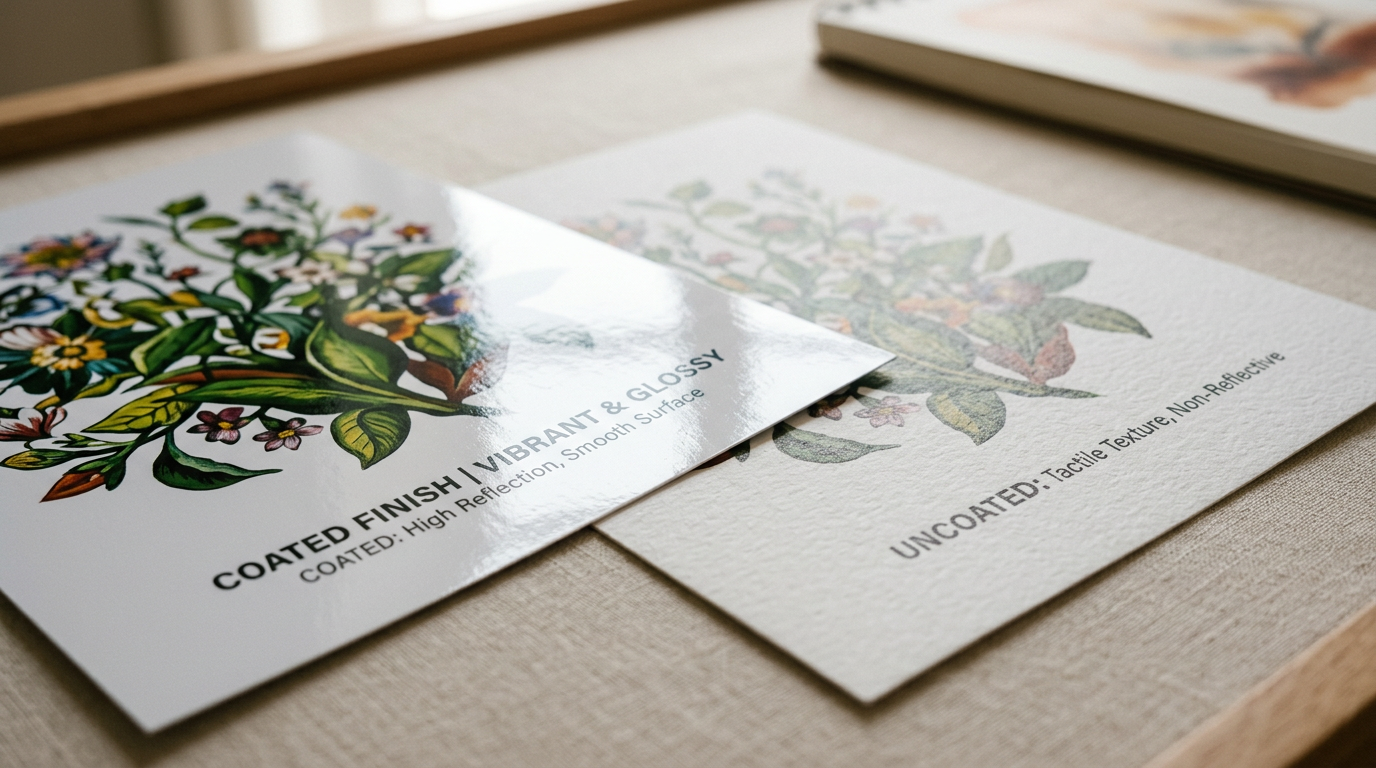
First, ink and paper create legibility constraints that screen rendering doesn’t. At body copy sizes, ink spread on paper, especially uncoated or newsprint stock, fills in fine details, closes tight counters, and wears down thin strokes. A typeface that looks sharp at 10pt on screen may become muddy or unreadable at the same size on press. Body typeface selection has to account for how the type will actually print, not just how it looks on your monitor.
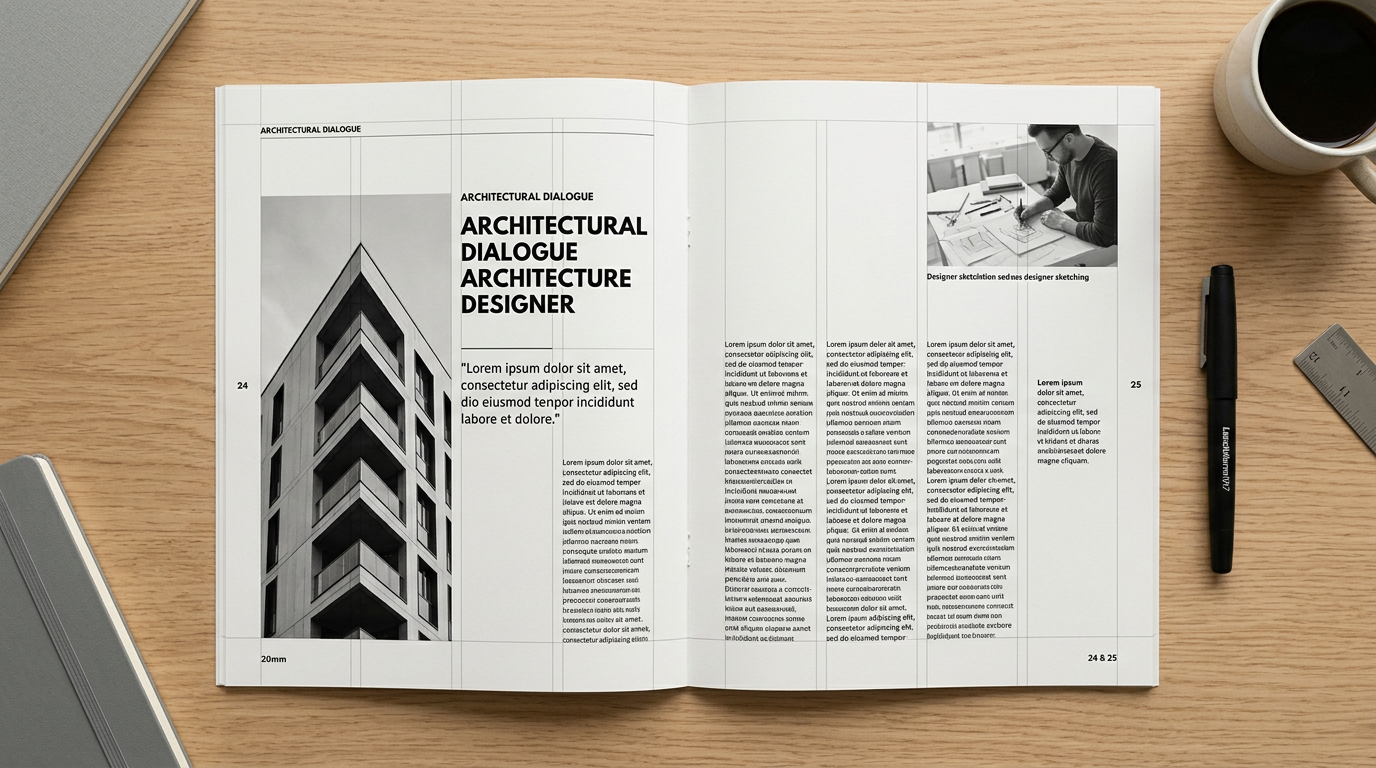
Second, the display/body split is the main tool for building visual hierarchy in a fixed layout. Digital environments can use size, color, and motion to signal importance. Print relies heavily on typeface contrast, a bold expressive display face against a neutral readable body face, to guide the reader’s eye through the page in a deliberate sequence.
Third, using a display typeface for body copy doesn’t just reduce legibility. It disrupts reading rhythm. Display typefaces are spaced and proportioned for isolated words or short phrases at large sizes. Set in paragraphs at 10–12pt, they create uneven texture, inconsistent spacing, and visual noise that wears the reader out across sustained text. That’s a problem specific to print, where the reader can’t zoom in or adjust how the type renders.
Selecting Display and Body Typefaces for Print
Choosing between display and body typefaces involves more than matching a face to a size. A few structural and performance factors shape which choices actually hold up in print.
A typeface that commands attention at display sizes often falls apart at body sizes for structural reasons, not just aesthetic ones. High-contrast display serifs like Bodoni have thin strokes that physically can’t survive ink spread at 10pt on uncoated paper. That’s not a matter of preference; it’s a matter of print physics.
Serif body typefaces and sans-serif body typefaces produce different reading experiences in print, even at identical sizes. Serifs create horizontal flow that guides the eye across long lines of text, which is why they dominate book and newspaper body copy. Sans-serifs in the same role need tighter leading and shorter line lengths to reach comparable readability.
Pairing a display typeface with a body typeface works best when the two share a structural relationship but differ in visual weight. A geometric display sans-serif paired with a humanist serif body face creates contrast without conflict. The difference in category provides hierarchy, while shared proportions keep the layout coherent.
Finally, picking a display typeface for a print layout is primarily a character decision. Picking a body typeface is primarily a performance decision. Display type is chosen for what it expresses at scale. Body type is chosen for how reliably it renders across hundreds of words at small sizes on a specific paper stock.
How Print Context Shapes Display and Body Type Decisions
The same principles apply differently depending on what kind of print piece you’re working on.
When body copy is minimal or absent, display typeface selection shifts from supporting hierarchy to carrying the full visual weight of the layout on its own. The typeface has to do all the communicative work at large sizes, so things like expressive character, letterform distinctiveness, and legibility at scale across different viewing distances and print substrates become the main criteria. Pairing logic is secondary or irrelevant.
In text-heavy print work, the body typeface is the dominant decision, and display type works as an accent. Serif typefaces with moderate x-height, open counters, and low stroke contrast, such as Garamond or Baskerville, are preferred because they stay legible across thousands of words at 9–12pt on press. Sans-serif body choices can work but require careful attention to leading and line length to match the reading comfort of a well-chosen serif.
When display and body type have to coexist in the same layout, pairing contrast becomes the central concern. A good print pairing creates clear visual separation between headline and text levels, typically through differences in typeface category, weight, or structure, while keeping enough tonal consistency that the layout reads as unified rather than competing. Contrast that works on screen may need to be amplified in print to survive ink and paper rendering.
When to Use Display Type vs. Body Type in a Print Layout
Use display type when setting a headline, title, or cover line that will be printed above 14 points and needs to establish immediate visual hierarchy. Use body type when setting running text in a book, magazine, report, or any print context where the reader will sustain attention across multiple paragraphs. Reach for a serif body typeface over a sans-serif when the print job involves long-form text on uncoated or newsprint stock where reading comfort over extended passages is the priority. When a layout requires both, confirm the two typefaces create contrast in category or weight without competing for visual dominance on the printed page.
The Three Criteria That Govern Display and Body Type in Print
The 14-point threshold isn’t arbitrary. It’s where ink spread, stroke contrast, and reading duration start dictating different rules. Match each typeface to its role’s physical demands, and pair them for contrast that survives the press. If that process still feels uncertain, a curated typeface pairing guide can help translate these principles into confident, print-ready decisions.