Print CSS Best Practices for Styling Pages for Print
June 4, 2026 · 4 min read
Print CSS controls how a webpage looks when it’s printed. It lives in a separate block from your screen styles, using the @media print rule. This article covers the main techniques for handling layout, typography, color, page breaks, and canonical tags for print-specific URLs. By the end, you’ll know how to apply print styles effectively and make smart decisions about structuring your print stylesheet.
Core @media print Techniques
Everything in a print stylesheet belongs inside @media print { }. That block is the boundary between screen and print rendering. Rules inside it apply only when the page is sent to a printer or saved as a PDF.
The first thing to do inside that block is hide elements that serve no purpose on paper. Navigation, sidebars, buttons, and ads should all get display: none. This is different from visibility: hidden or opacity adjustments, which still take up space in the layout. That distinction rarely matters in print, but it’s good to know.
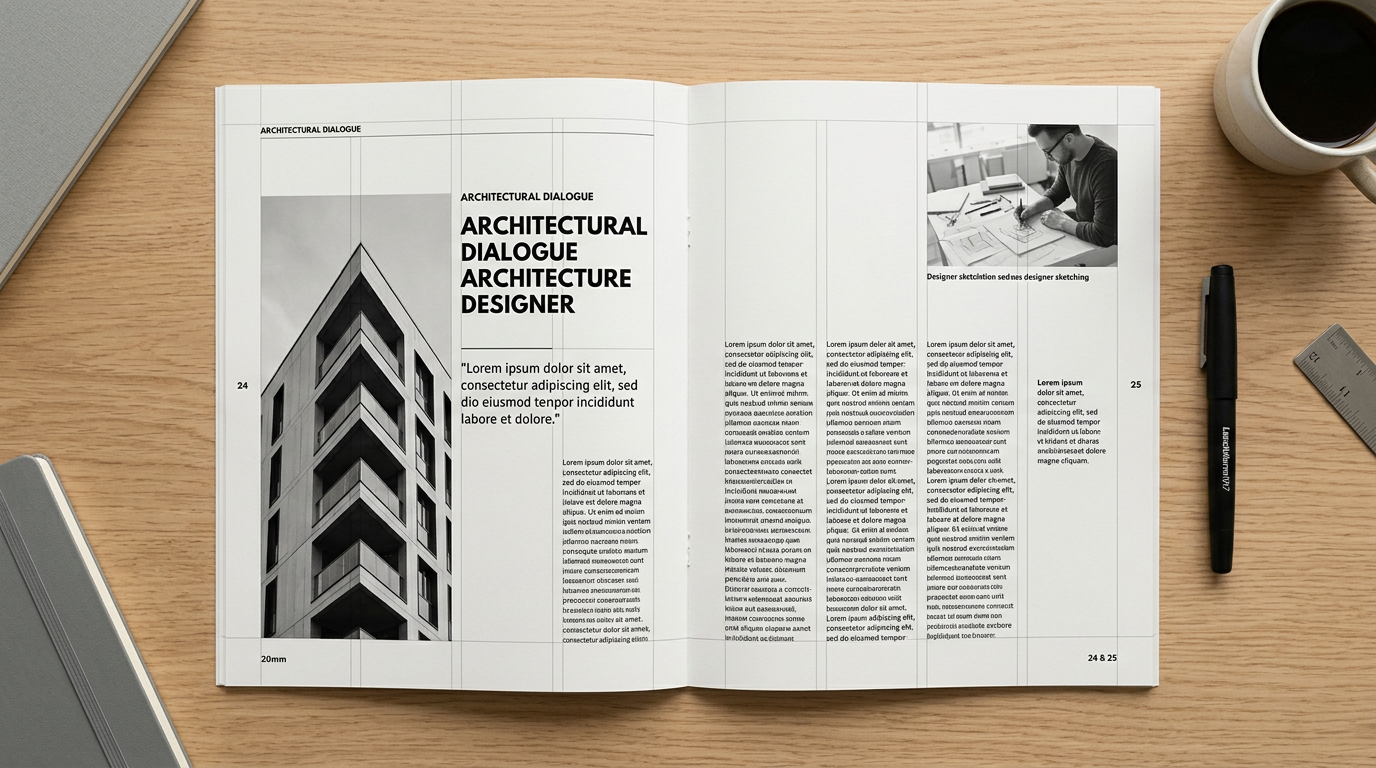
Layout needs to shift from fluid or multi-column screen designs to a single column with a defined max-width, sized for a fixed physical dimension, typically 8.5 × 11 inches. Font sizes and margins should also be set in physical units: 12pt for body text and 1in for margins are solid starting points. Print output renders at a fixed physical resolution (typically 300 DPI or higher), which makes pixel-based measurements unreliable.
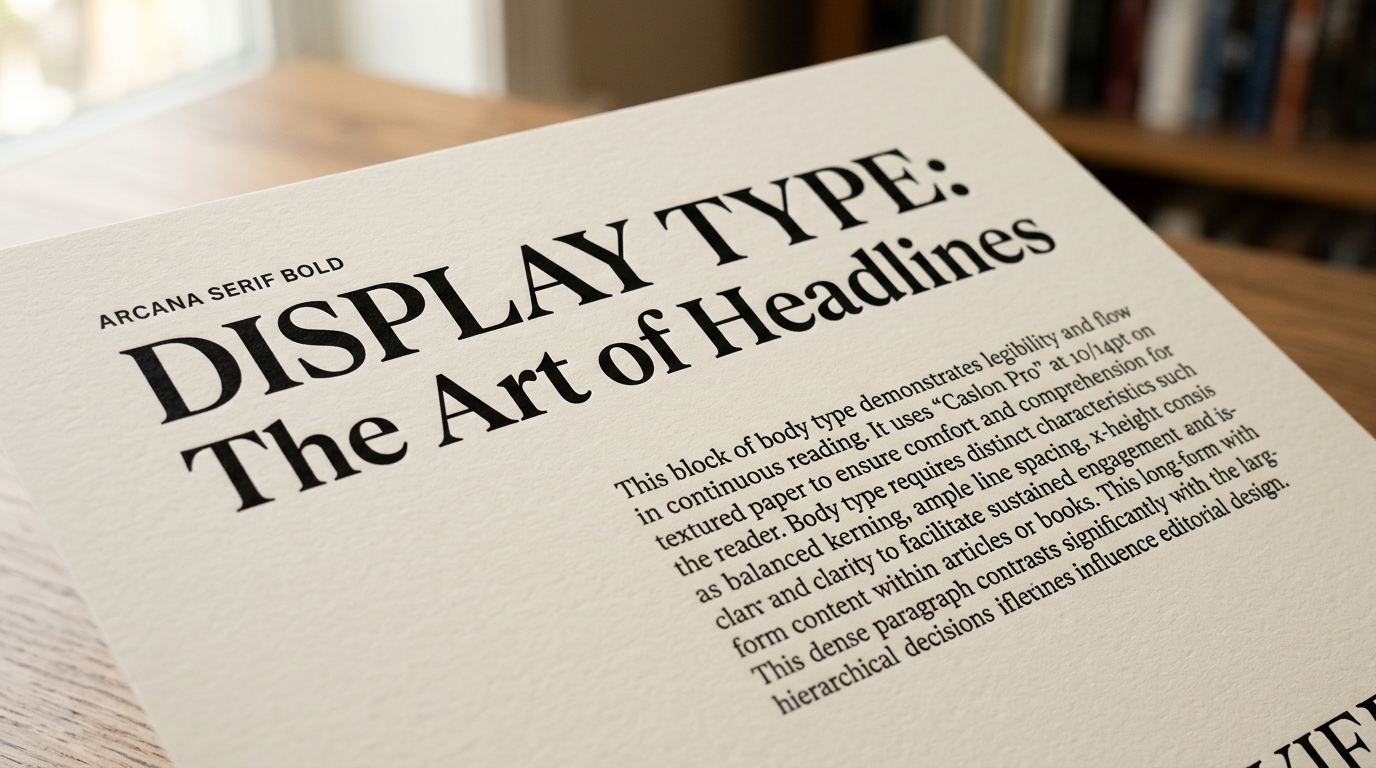
Typography needs some adjustment too. Screen type is built for backlit displays, so for paper, tighten line-height to 1.4–1.5 and reduce letter-spacing slightly. To get closer to a traditional typeset look, use a serif font like Georgia or Times New Roman. You should also explicitly set color: #000 and background: #fff as a print reset. This overrides dark mode, high-contrast, and themed screen styles that would otherwise carry through to the printed page.
For color and backgrounds: most browsers strip background colors and images in print mode by default, so remove decorative backgrounds explicitly with background: none. Only use -webkit-print-color-adjust: exact where color output is genuinely needed.
Hyperlinks need special handling too. Since you can’t click a link on paper, add a::after { content: " (" attr(href) ")"; } inside the print block to make URLs appear inline.
Page breaks matter when your content includes tables, figures, or multi-section documents. Use page-break-before, page-break-after, and page-break-inside to control where content splits across pages. Setting page-break-inside: avoid on tables and figures stops them from splitting awkwardly. For simple single-page output, collapsing to a single-column layout is usually enough without any explicit break control.
When Print-Specific URLs Require Canonical Tags
When a site generates a separate URL for a print version of a page, like /article?print=true, a canonical tag should point search engines to the primary screen URL. This tells search engines which version to index and stops the print URL from being treated as duplicate content. This is the right situation for a canonical tag: the same content exists at two URLs, and only one should be indexed.
Applying @media print: Practical Contexts
Print CSS makes sense when you’re formatting articles, invoices, or reference content for clean document output; when you’re building stylesheets for editorial or long-form content where layout and typography need to match paper readability standards; when you’re managing print output for pages that also exist as canonical URLs; and when you’re applying paper-style typography to content meant for physical output.
Print CSS works best with a disciplined approach: collapse layouts to a single column, swap pixel units for physical ones, and strip backgrounds that browsers will suppress anyway. These aren’t just cosmetic fixes. They reflect a real shift in how the page is being rendered. If your site generates print-specific URLs, a canonical tag keeps that distinction invisible to search engines. Auditing your stylesheet is a practical next step, and a structured CSS review is a good way to do it.